← Back to all apps

Spaces
Workspace manager
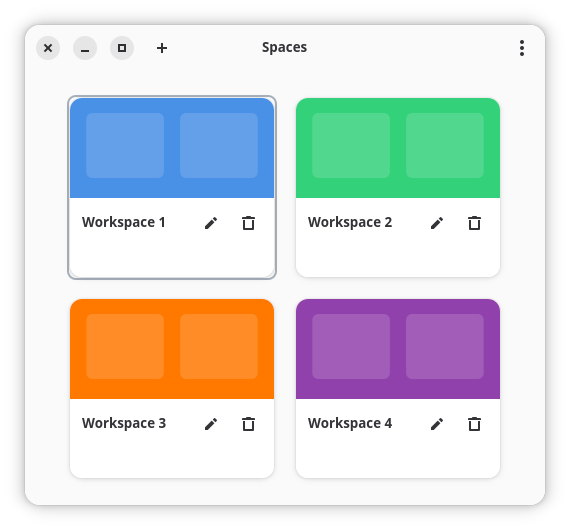
Features
Virtual desktop overview
Window management
Workspace naming
Quick switch
Activity monitor
Download Spaces
Choose your preferred installation method below.
Install via APT
First, add the Gnome Starter Pack repository (if not already added):
# Add the GPG key
curl -fsSL https://apt.gnomestarterpack.com/gpg.key | sudo gpg --dearmor -o /usr/share/keyrings/gnomestarterpack.gpg

# Add the repository
echo "deb [signed-by=/usr/share/keyrings/gnomestarterpack.gpg] https://apt.gnomestarterpack.com noble main" | sudo tee /etc/apt/sources.list.d/gnomestarterpack.list

# Update package list
sudo apt updateThen install Spaces:
sudo apt install gnomestarterpack-spacesInstall via Flatpak
First, add the Gnome Starter Pack Flatpak repository (if not already added):
flatpak remote-add --if-not-exists gnomestarterpack https://gnomestarterpack.com/gnomestarterpack.flatpakrepoThen install Spaces:
flatpak install gnomestarterpack info.debuck.SpacesDownload AppImage
Spaces is available as a portable AppImage. Download it, make it executable, and run:
Download Spaces AppImage
After downloading: chmod +x spaces-latest.AppImage