← Back to all apps

Portail
Web app portal
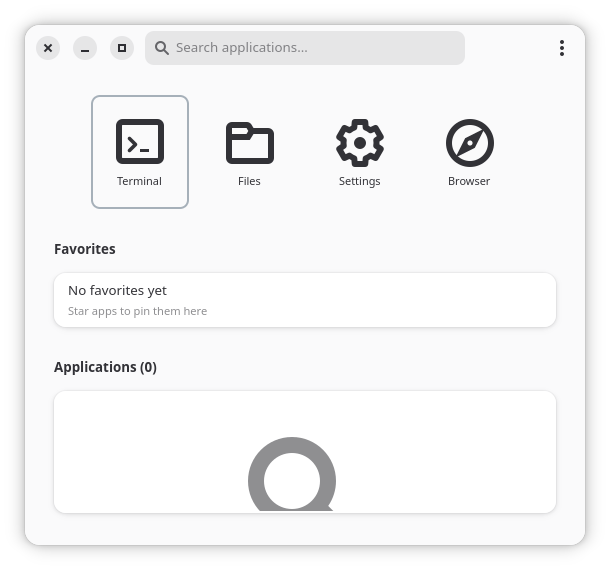
Features
Web app shortcuts
Custom icons
Organize by category
Quick launch
Keyboard navigation
Download Portail
Choose your preferred installation method below.
Install via APT
First, add the Gnome Starter Pack repository (if not already added):
# Add the GPG key
curl -fsSL https://apt.gnomestarterpack.com/gpg.key | sudo gpg --dearmor -o /usr/share/keyrings/gnomestarterpack.gpg

# Add the repository
echo "deb [signed-by=/usr/share/keyrings/gnomestarterpack.gpg] https://apt.gnomestarterpack.com noble main" | sudo tee /etc/apt/sources.list.d/gnomestarterpack.list

# Update package list
sudo apt updateThen install Portail:
sudo apt install gnomestarterpack-portailInstall via Flatpak
First, add the Gnome Starter Pack Flatpak repository (if not already added):
flatpak remote-add --if-not-exists gnomestarterpack https://gnomestarterpack.com/gnomestarterpack.flatpakrepoThen install Portail:
flatpak install gnomestarterpack info.debuck.PortailDownload AppImage
Portail is available as a portable AppImage. Download it, make it executable, and run:
Download Portail AppImage
After downloading: chmod +x portail-latest.AppImage